
Create Personalized Crosswords with CrossCraft
Overview
CrossCraft: Custom Crosswords is a desktop application designed for crafting and solving personalized crossword puzzles. It empowers users to generate unique puzzles tailored to specific interests, occasions, or educational needs. The software serves as both a creative outlet and a practical tool, ideal for families, educators, event planners, and puzzle enthusiasts seeking a more engaging and customized experience than standard crossword games.
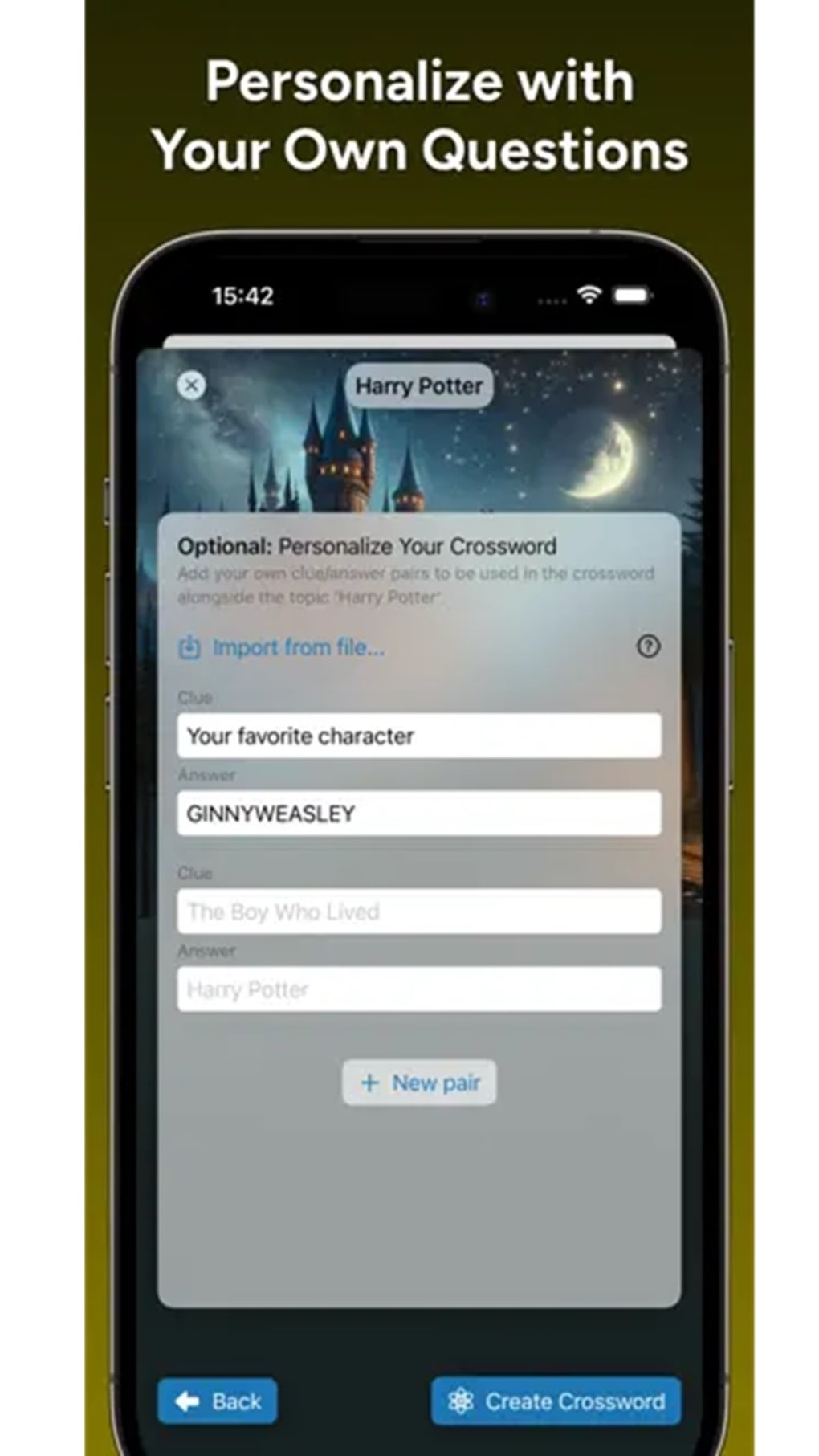
With a focus on personalization, the app allows users to blend predefined topics—such as General Knowledge, Movie Franchises, Sports, and Programming—with custom clues and answers. This flexibility makes it suitable for use as a holiday gift, classroom activity, or family entertainment. The software supports both online and offline play, enhancing accessibility across different environments.
The developer, PuzzleCraft Studios, has positioned the tool as a versatile platform for puzzle creation, emphasizing inclusivity through seven supported languages. While specific system requirements were not provided, the application is available for Windows and Mac, indicating broad desktop compatibility. Real-world usage scenarios include birthday party puzzles, educational quizzes, or personalized gifts with meaningful word challenges.
Key Features & Capabilities
- Custom Puzzle Creation – Design crosswords using a combination of pre-defined topics and user-entered clues and answers, enabling unique, personalized puzzles for any theme or audience.
- Flexible Puzzle Design – Choose from five different puzzle sizes and three distinct shapes to match the desired difficulty and visual layout.
- Adjustable Difficulty Settings – Customize challenge levels to suit beginners, intermediate players, or advanced solvers, enhancing replayability and accessibility.
- Multi-Platform Play – Access puzzles online or offline, ensuring uninterrupted gameplay regardless of internet availability.
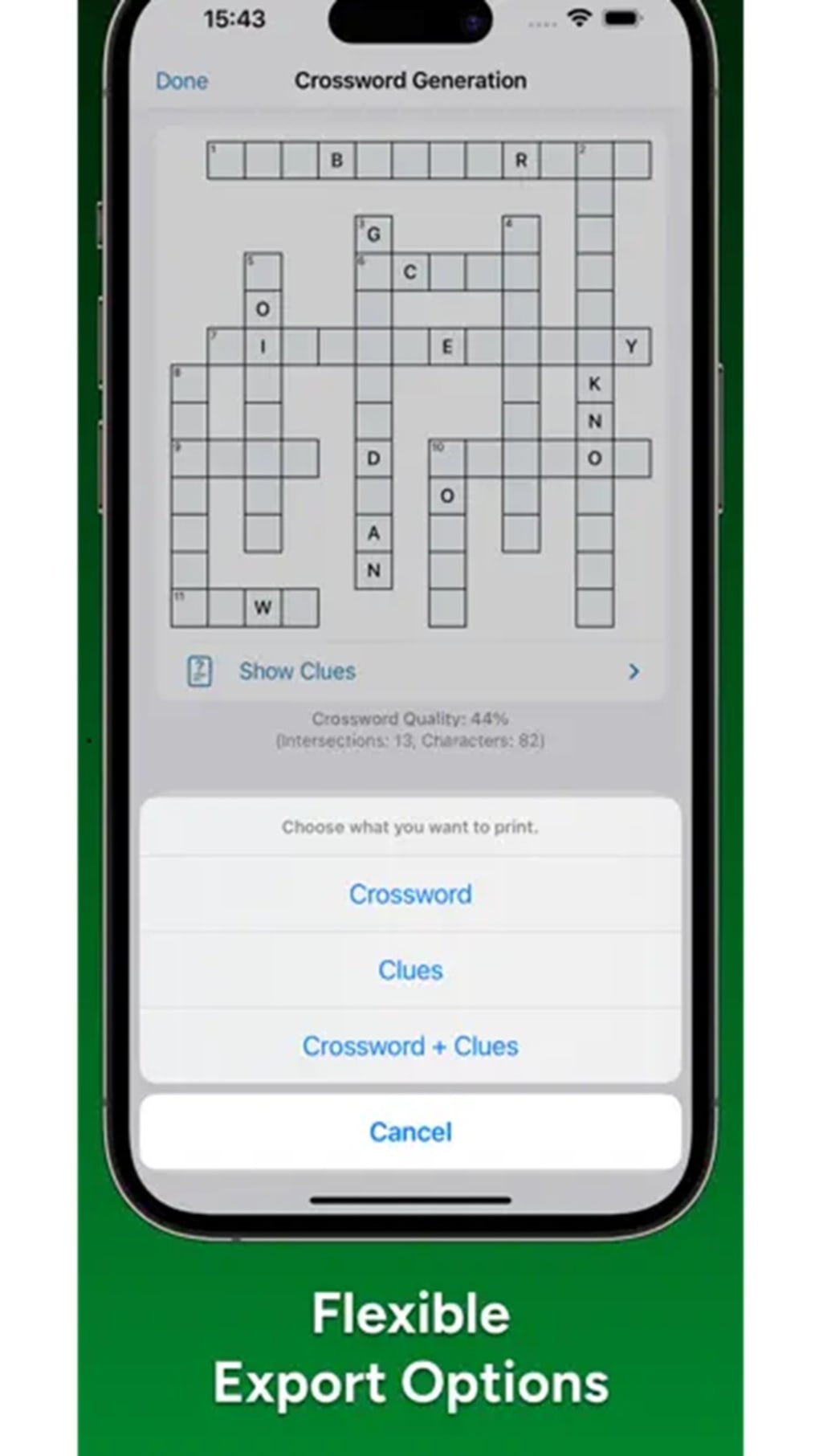
- Export and Share Options – Save puzzles in digital formats or print them for physical use, making them ideal for events, gifts, or classroom distribution.
- Language Support – Offers inclusive functionality in seven languages, broadening usability across diverse user bases.
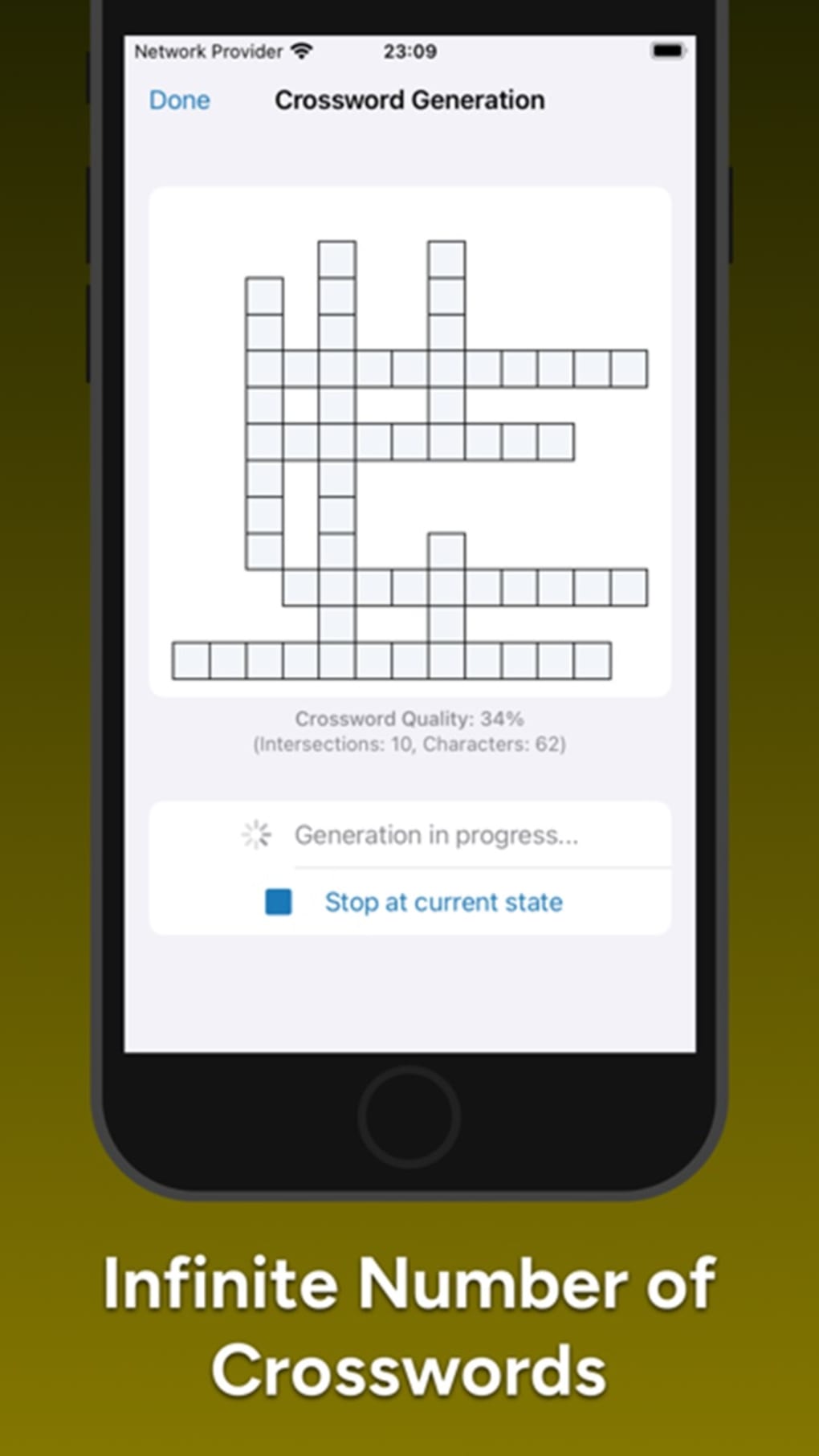
- Unlimited Puzzle Generation – Generate an endless supply of new puzzles, supporting continuous engagement and creative experimentation.
These capabilities allow users to craft puzzles for specific events—such as birthday celebrations or family reunions—while also supporting educational goals like vocabulary building or subject review. Teachers can design quizzes aligned with curriculum topics, while parents may create themed puzzles for children. The ability to export or print ensures physical play remains viable, bridging digital and analog experiences. The software’s emphasis on customization transforms passive puzzle-solving into an active, creative process.
User Interface, Workflow & Performance
The user interface of CrossCraft: Custom Crosswords appears structured around a central puzzle editor, with intuitive navigation between creation and solving modes. The layout likely prioritizes ease of access to customization tools, including topic selection, clue input, and layout options. Users can expect a streamlined workflow: selecting a theme, adding personal clues, adjusting size and difficulty, then generating or exporting the puzzle.
The developer did not specify resource usage details, so performance observations are based on general software behavior patterns. The application is expected to run efficiently on modern systems, given its file size of 48.5 MB. Stability during extended use was not reported, but the software’s design suggests a focus on reliability for both casual and repeated use.
CPU and RAM behavior were not disclosed, though the lightweight footprint indicates minimal system impact. The play-anywhere feature implies consistent responsiveness across sessions, whether online or offline. Overall, the workflow appears designed to minimize friction between idea and execution, supporting quick puzzle creation without unnecessary complexity.
Compatibility & System Requirements
CrossCraft: Custom Crosswords is available for Windows and Mac operating systems, supporting a broad range of desktop environments. The software version is 1.2.0, with a file size of 48.5 MB, suggesting a lightweight installation. The developer did not provide additional system requirements, so exact hardware specifications, such as minimum RAM or processor speed, remain unspecified.
Compatibility information is limited to the supported platforms and version number. The absence of detailed requirements means users should ensure their system meets general standards for modern desktop applications. No specific GPU or storage recommendations were included.
While the application is designed for desktop use, the lack of mobile or web-based versions was not clarified. The software’s availability on both major desktop platforms indicates a commitment to cross-platform accessibility, though users should verify compatibility with their specific OS version.
Pros and Cons
Pros
- Unlimited custom crossword generation for continuous engagement
- Highly customizable puzzle size, shape, and difficulty
- Supports seven languages, enhancing global accessibility
- Offers both online and offline gameplay flexibility
- Enables easy export and printing for physical use
- Free to download and use, with no cost barrier
- Designed for educational, familial, and creative applications
Cons
- Clue entry requires manual input, which may feel time-consuming
- Exact system requirements were not disclosed
- Performance under heavy usage was not documented
- Limited information on update frequency or support channels
- Customization depth may require trial and error for new users
FAQ Section
Is CrossCraft: Custom Crosswords available for Windows and Mac?
Yes, the software is compatible with both Windows and Mac operating systems.
Can I use CrossCraft offline?
Yes, the application supports offline play, allowing you to solve and create puzzles without an internet connection.
Is the software free to download and use?
Yes, CrossCraft: Custom Crosswords is available at no cost, with no subscription or in-app purchases required.
Does the app support multiple languages?
Yes, the software includes language support in seven different languages, making it accessible to a wider international audience.
How do I share or print my custom puzzles?
You can export puzzles in digital formats or print them directly from the application for physical use.
Final Thoughts + CTA
CrossCraft: Custom Crosswords stands out as a uniquely personalized puzzle tool that transforms the traditional crossword experience into a creative and interactive journey. Its blend of customization, multi-language support, and offline functionality makes it ideal for families, educators, and anyone seeking a thoughtful, engaging activity. While the manual entry of clues may require patience, the flexibility and endless possibilities more than compensate.
The software delivers a rich, user-driven experience without compromising accessibility. With its free model and strong focus on personalization, it offers exceptional value. For those who appreciate crafting meaningful puzzles for special moments or educational purposes, this tool is a standout choice.
Download CrossCraft Custom Crosswords now.







